Getting Started
Four steps, in the order they happen. An app is published, a colleague opens it and does real work, someone outside the team is turned away, and the person who maintains it ships a change and takes it back.
Step 1
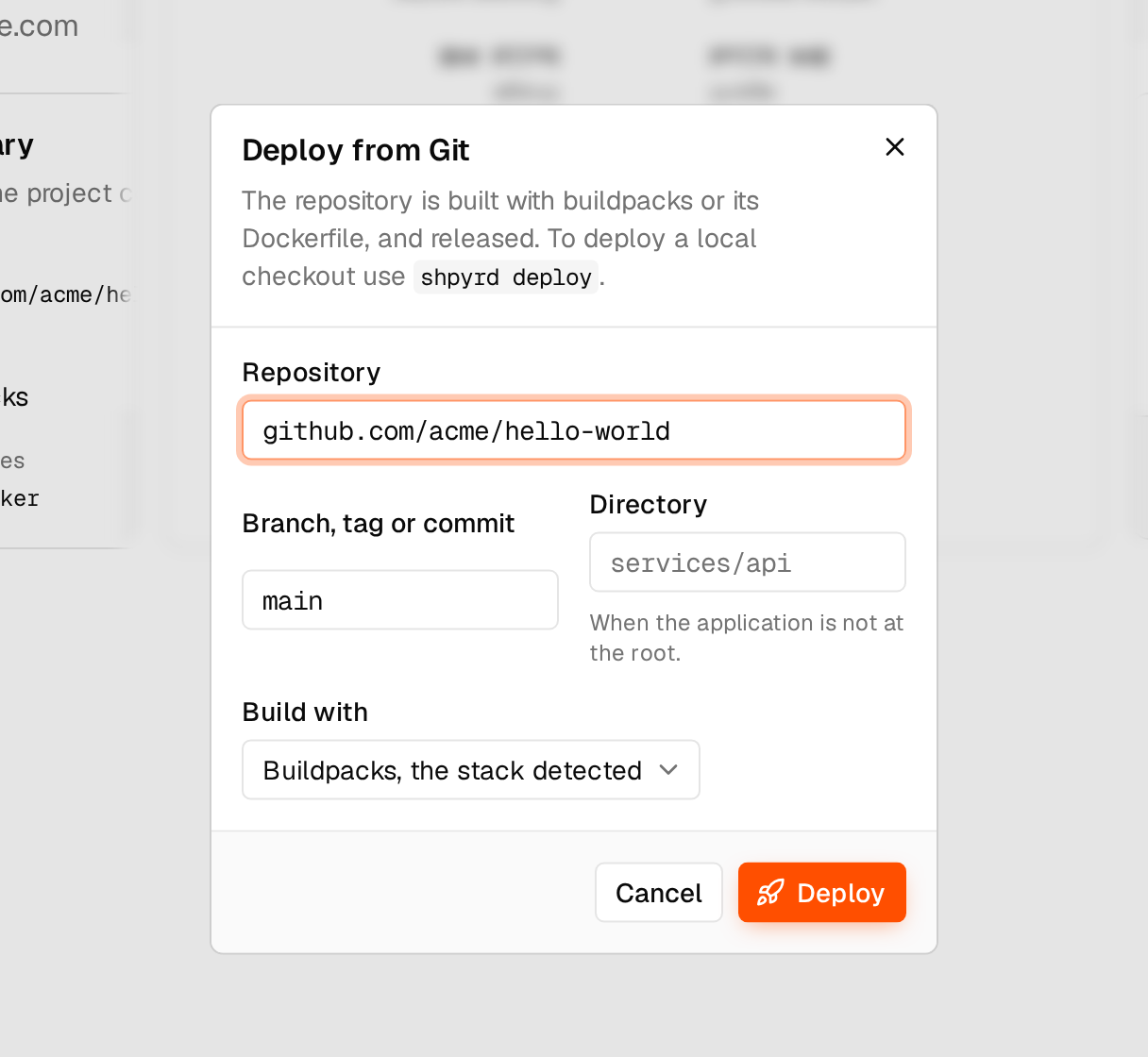
The app is published
Its maintainer deploys from the code they already have. shpyrd builds it and gives it a URL with TLS, and sign-in sits in front of it from the first release.
“Compatible” needs checking.
Framework, runtime, data and external services all matter. Working code can still depend on services that need separate configuration.
Step 2
A colleague opens it and does the work
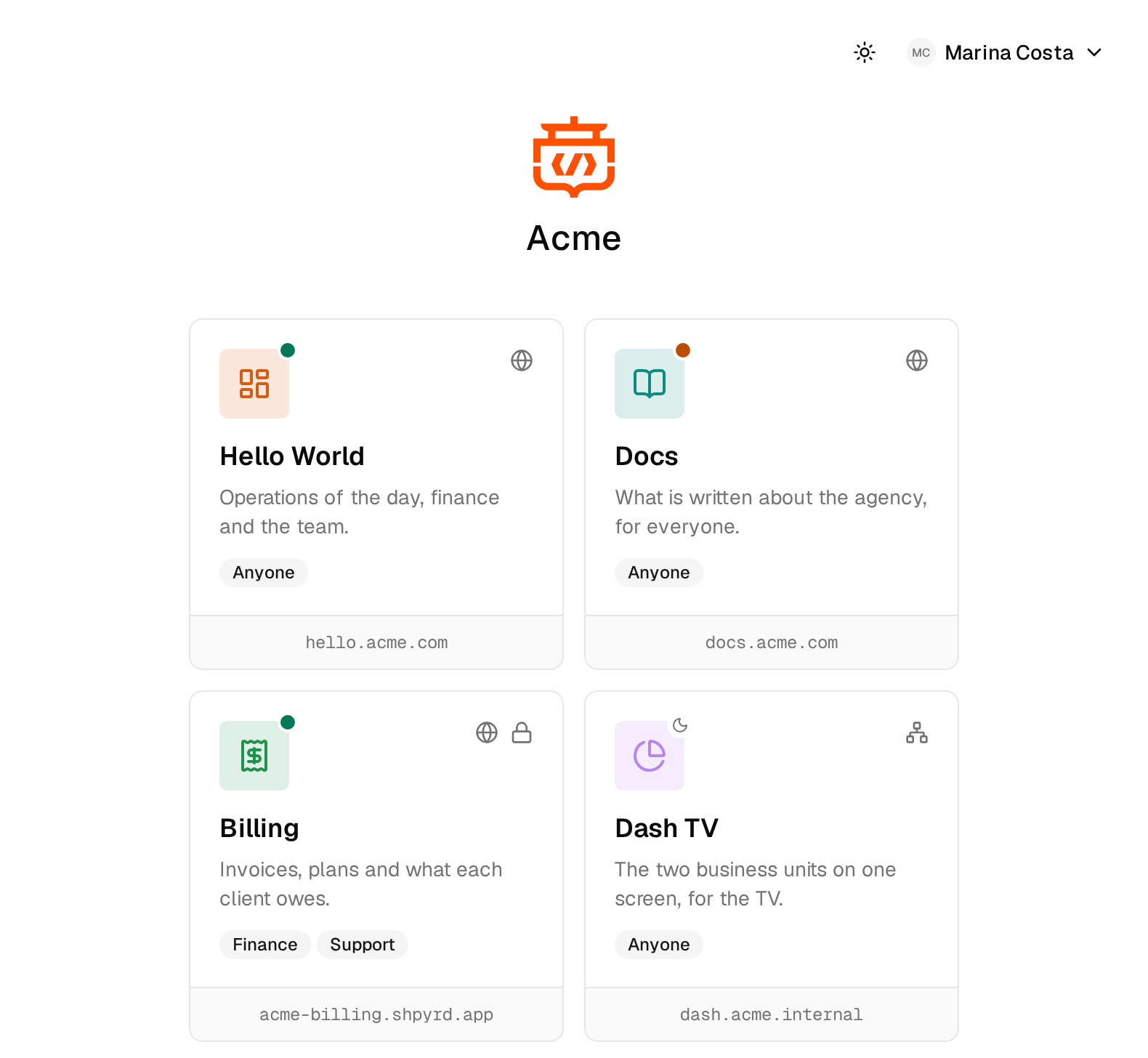
Someone in Finance signs in and sees the apps they are allowed to open — not a list of everything that exists. They open the tracker and complete a real task. This is the part that matters; everything else is in service of it.
Sign-in controls who can open an app.
It doesn't control what they can do inside it. “Can open the expense app” and “can approve expenses above $5,000” are different requirements — the second one is your app's job.
Step 3
Someone outside the team is turned away
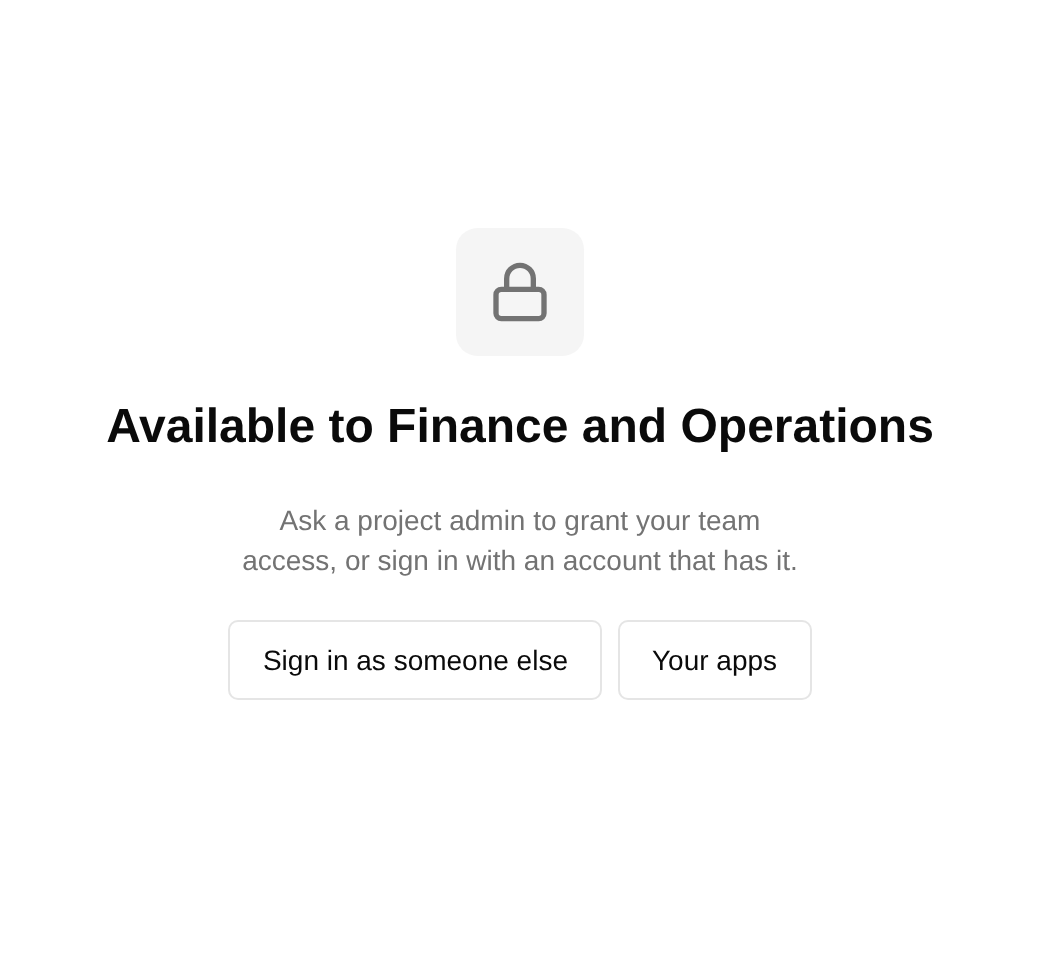
An account without access to that app does not reach it. The check happens before the request gets to your application, so it does not depend on your app implementing sign-in correctly.
Sign-in controls who can open an app.
It doesn't control what they can do inside it. “Can open the expense app” and “can approve expenses above $5,000” are different requirements — the second one is your app's job.
Step 4
The maintainer ships a change, and takes it back
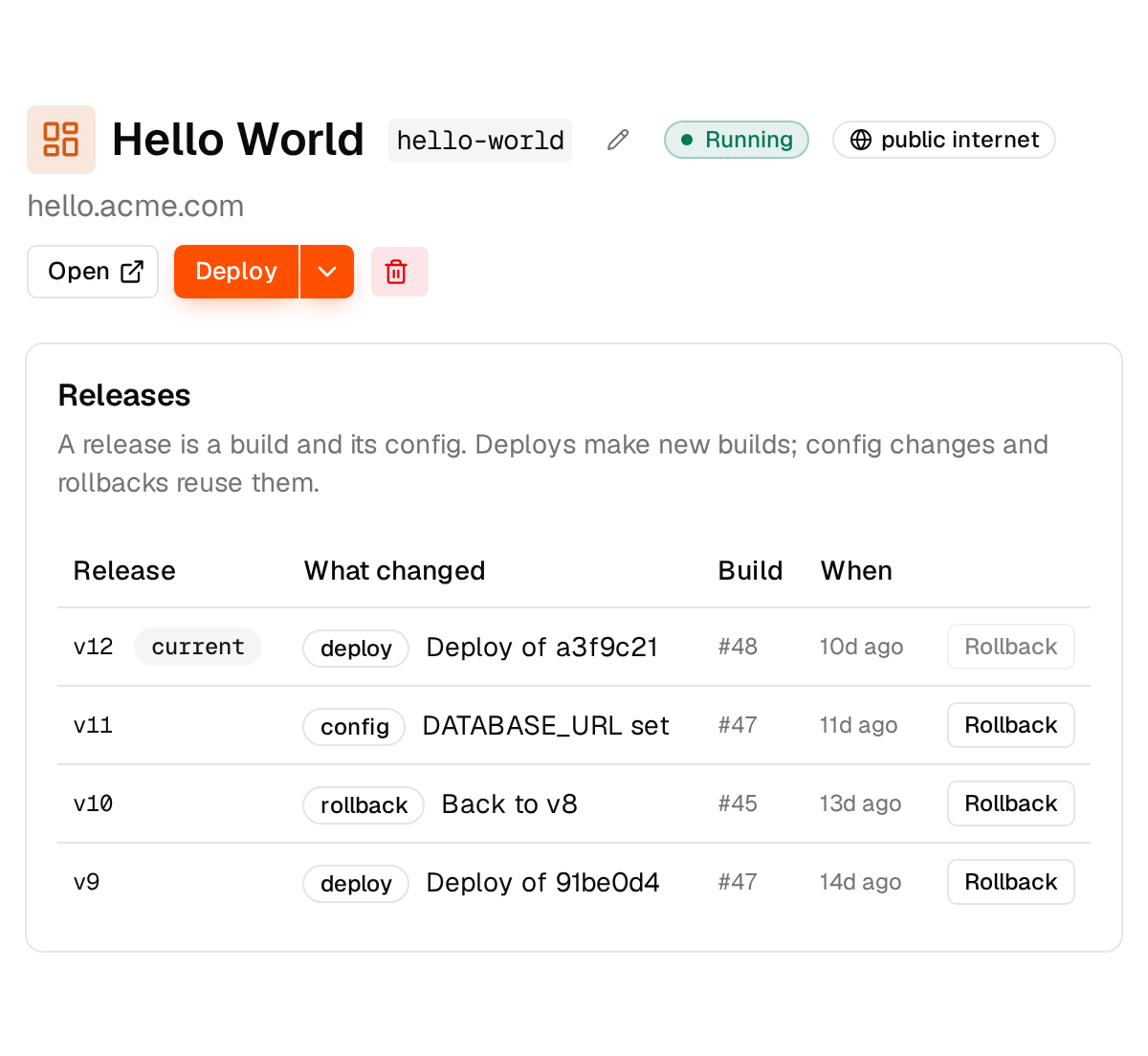
Every deploy and config change is a numbered release. When a change turns out to be wrong, rolling back restores the previous release and the config that went with it.
Rolling back restores the release and its config.
It doesn't reverse database migrations or undo external side effects.
Platform activity is recorded, but it isn't a compliance audit trail.
Retention currently follows the cluster's event retention. And platform activity is a different thing from an audit of what people did inside an app.
Where all of this runs
On shpyrd cloud, with nothing to run. Or on a Kubernetes cluster your company controls: locally on kind while you try it, on Oracle Cloud (OKE) or AWS (EKS) when it matters. A cluster of your own needs an owner.
Running on shpyrd cloud, or in your own cluster, isn't the same as your data never leaving.
An app that calls an external API still calls it.